Paying an Invoice
A saved card is charged automatically; otherwise pay from the invoice page by card or, where the house offers it, Amazon Pay. Bidders cannot pay by bank transfer or bank debit.
Steps
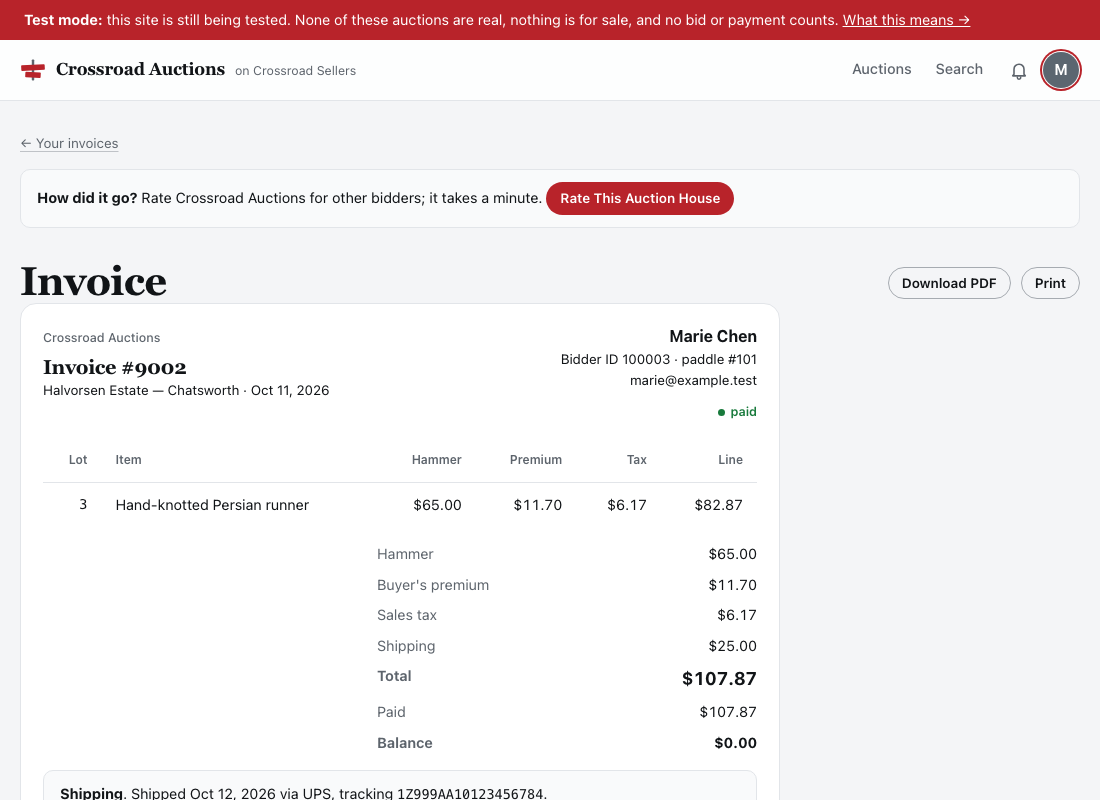
- Account → Invoices → open the invoice.
- Pay Now. Any card, on the processor's secure form inside the page. Where the house offers it, an Amazon Pay button appears above the form; see Paying with Amazon Pay.
- The invoice updates when the payment confirms, and you are emailed.
If You Have a Card on File
Once your invoice is finalized, any hold on your card is applied to it and the rest is charged to the card. You are emailed either way. If the card declines, you are told and can pay another way from the invoice page.
Paying from the Invoice Page
Open the invoice under Account → Invoices and choose Pay Now. You can pay with any card, or with Amazon Pay where the house offers it. The card fields are the payment processor's own, drawn inside the page: the number goes straight to the processor and never touches Crossroad Sellers. The invoice updates when the payment confirms.
Crossroad Sellers does not take PayPal, and a bidder cannot pay by bank account, bank transfer or ACH debit: a bank debit takes days to settle and can bounce after the goods have left. A bank account is only used by an auction house, to receive its payouts.
Paying in Person
Houses also take cash, checks and cards at pickup. Anything they take is recorded on your invoice, so it always shows the true balance.
Refunds
A refund from the house goes back to the card or account you paid with and shows on the invoice as a negative payment. An Amazon Pay payment can be refunded that way for 90 days; after that the house refunds you another way.